
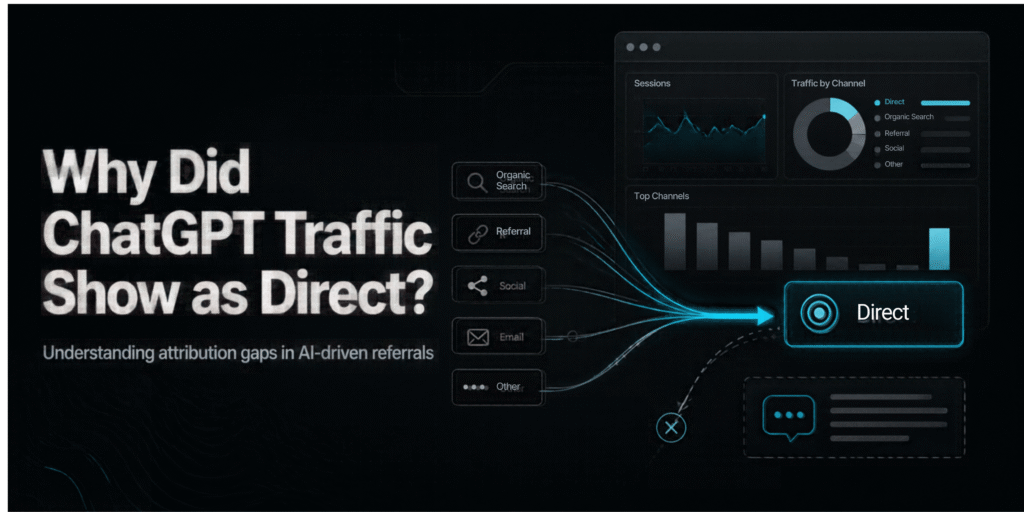
Why Did ChatGPT Traffic Show As Direct?
If you opened Google Analytics 4 (GA4) in the second week of October and saw ChatGPT visits shrinking while Direct traffic grew, you weren’t imagining it. Your readers didn’t suddenly start typing your web address into their browsers. For about a week, ChatGPT stopped telling analytics tools that it had sent the visit.
Search Engine Roundtable reported on 14 October that OpenAI seemed to have removed the UTM tags it had been adding to links in ChatGPT answers, starting around the GPT-6 release a week earlier. A day later, the analyst who first spotted it said it was a bug and that ChatGPT was tagging links again. The visitors didn’t disappear. Their labels did.
What actually went wrong
Every website visit can carry two clues about where it came from.
- The referrer is a signal your browser sends automatically, naming the site the visitor came from.
- A UTM tag is a label added to the link itself, such as
utm_source=chatgpt.com.
The two travel separately, so a link can hide the referrer and still keep its tag. That mattered here because ChatGPT leaned on the tag. OpenAI began adding UTM tracking to ChatGPT links in June 2025.
Adobe’s Cedric Huesler described what he saw: GPT-6 opened links in a way that dropped the UTM tag and sent no referrer either. With both clues gone, a visit arrives with no label at all, and GA4 files it as Direct.
Why GA4 calls it “Direct”
Direct is less a category than a leftover bucket. GA4 applies the Direct channel when the source is “(direct)” and the medium is not set or none. Google describes it as visitors arriving by a saved link or by typing your URL. In practice it also collects any visit that arrives with no information, including bookmarks, untagged email links and some app clicks.
So a rise in Direct can mean many things. This week, for many sites, it meant ChatGPT clicks without labels.
GA4 does have a way to spot ChatGPT. Google added a native “AI Assistant” channel on 13 May 2026. It triggers when GA4 recognises a referrer from an AI assistant. It excludes Google’s AI Overviews and AI Mode, which stay in Organic Search. That channel depends on a recognisable referrer, and in this incident the referrer was missing too.
How big was the effect?
The best public evidence comes from one analyst’s check, so treat it as a strong signal rather than a measurement of the whole web.
He looked at about 500 pages where ChatGPT normally drove at least 5% of visits, and compared 9–13 October with the previous week. ChatGPT visits fell by about 31,000 a day, while Direct rose by about 26,000 a day on the same pages. Search fell only 7%, in line with everywhere else. If ChatGPT interest had really dropped, you wouldn’t expect Direct to rise by almost the same amount on the same pages.
Another SEO professional reported a sharp drop in ChatGPT human traffic from 9 October, along with a rise in OAI-SearchBot crawling since 7 October. That shows a real change in behaviour somewhere, but it doesn’t tell us the cause.
What we don’t know
- No official explanation yet. Search Engine Roundtable said it wasn’t sure whether the change was intentional. The “bug” label comes from the analyst’s observation that tags returned. I couldn’t find an OpenAI statement.
- Mobile and app visits may differ. I found no data on how the issue affected each ChatGPT app or plan.
- Sites differ. Your share of ChatGPT traffic, consent banners and redirects can all change what you see.
Hypothetical example
This example is invented to show the logic. The numbers aren’t real.
Say a small Indian B2B blog normally gets 40 sessions a day labelled chatgpt.com. On 9 October that falls to 5, while Direct jumps from 120 to 150. The blog’s Google Search traffic is flat. The ChatGPT drop and the Direct rise roughly cancel out, which suggests unlabelled ChatGPT visits rather than lost readers. If Direct had risen on the homepage only, that would point to something else, such as a campaign.
What to check in your own analytics
- Open the right window. In GA4, go to Reports → Traffic acquisition and set the dates to roughly 7–16 October, then compare with the week before.
- Search for ChatGPT. Switch the primary dimension to Session source / medium and search “chatgpt”. Note the sessions and the medium.
- Look at where Direct landed. Few people type a long blog URL from memory. A spike in Direct on deep article pages is a clue (my editorial judgment, not a rule).
- Compare with other signals. Look at Direct as a share of all sessions, sessions in the AI Assistant channel, and brand-name impressions in Google Search Console. If they move together, AI discovery likely explains part of the Direct jump. This is a hint, not a measurement, because a Direct total can’t tell you how much came from ChatGPT.
- Annotate the dip. Add a note in your reports for those dates so no one reads it as a performance problem.
- Check a live link. Open one of your pages from a ChatGPT answer and look for
utm_source=chatgpt.comin the address. If it’s there, tagging has returned.
What this means for marketers
For reporting, don’t tell a client or boss that “ChatGPT traffic collapsed” on the basis of one week of GA4. Say what’s known: tracking labels went missing, and the traffic may be sitting in Direct. A drop in one channel is only a problem if the other channels don’t absorb it.
For strategy, this was a reminder that AI traffic is still measured through fragile signals. A single link-handling change can hide it for days. If AI discovery matters to your business, supplement analytics with a “How did you hear about us?” field on enquiry forms.
The takeaway: a rise in Direct is a reason to investigate, not proof of anything. When a channel falls and Direct rises by a similar amount on the same pages, check whether the labels broke before you change your strategy.