
You search for something on Google, and a few websites appear at the top. Most people never scroll past the first page.
So what makes those websites rank higher than the rest?
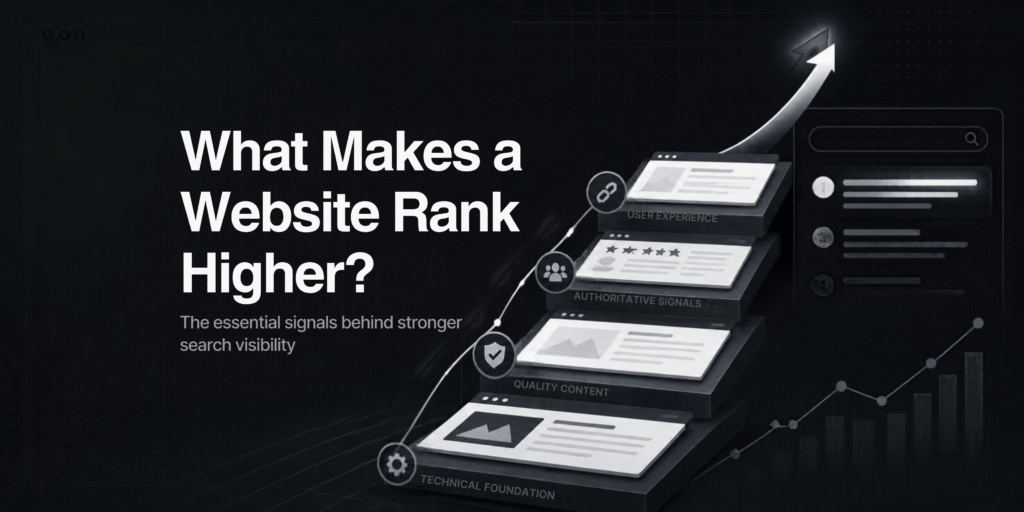
There isn’t one secret. Google looks at many things, but they can be grouped into a few simple ideas.
First, Google Must Be Able to Find Your Website
Before a website can rank, Google has to crawl and index it.
Crawling means Google’s bot (called Googlebot) visits your pages. Indexing means Google stores those pages in its database so they can appear in search results.
If your page isn’t indexed, it can’t rank. It’s that simple.
Sometimes a website is blocked by mistake. A leftover noindex tag or a wrong robots.txt rule can stop Google from showing your pages.
You can check this for free in Google Search Console. Open the Pages report and see which URLs are indexed.
Your Content Must Match What People Are Looking For
This is called search intent. It means the reason behind a search.
Suppose someone searches “how to start a bakery business.” They want a guide. If your page only says “Buy our bakery equipment,” it doesn’t answer the question.
On the other hand, if someone searches “buy bakery oven in Coimbatore,” a long blog post isn’t what they want. They want a product or service page.
Here’s a simple way to check. Search your keyword on Google and look at the top five results. Are they guides, product pages, or comparisons? Your page should be the same type.
Your Content Should Be Useful, Not Just Long
Many people think longer articles rank better. That’s not always true.
A page ranks when it answers the question well. A short page that solves the problem can beat a long page full of filler.
To make your content stand out, add things other websites don’t have:
- Real examples from your own work
- Your own photos and screenshots
- Updated facts and figures
- Answers to common customer questions
- Advice from someone with real experience
Google has been moving toward rewarding original, helpful content. Pages that just rewrite what others have already said have little reason to rank above them.
Show That People Can Trust Your Website
Google wants to show reliable websites, especially for topics like health, money and legal advice.
This is where E-E-A-T comes in. It stands for Experience, Expertise, Authoritativeness and Trust.
You can show it on your website by:
- Adding the author’s name and a short bio
- Creating a clear About page
- Adding contact details and your business address
- Showing real customer reviews
- Mentioning sources for facts
A website that hides who is behind it is harder to trust. This applies to both visitors and Google.
Other Websites Should Mention You
When another trusted website links to yours, it’s called a backlink. It works like a recommendation.
One link from a respected website in your industry is worth more than hundreds of random links from low-quality sites.
Buying cheap links in bulk can hurt your website instead of helping it.
Better ways to earn links:
Publish useful guides or original research
Share expert comments with news and industry websites
Get listed on genuine local business directories
Partner with suppliers, associations or other local businesses
If you run a local business, don’t forget your Google Business Profile. Keep it complete, add photos, and ask happy customers for reviews.
Your Website Should Be Fast and Mobile-Friendly
Most people browse on their phones. If a page loads slowly or the layout jumps around, visitors leave.
Google measures this through Core Web Vitals:
- LCP: how fast the main content loads (aim for 2.5 seconds or less)
- INP: how quickly the page responds when you tap or click (aim for 200 milliseconds or less)
- CLS: how much the page shifts while loading (aim for 0.1 or less)
You can test your website for free with PageSpeed Insights.
Simple fixes help a lot: compress large images, remove unused plugins, and use good hosting.
Let’s Take an Example
This is a hypothetical example.
Suppose two dental clinics in Salem both want to rank for “dentist in Salem.”
Clinic A has one short page with stock photos. There’s no doctor information, the Google Business Profile isn’t claimed, and the page takes six seconds to load on mobile.
Clinic B has separate pages for each treatment, doctor profiles with qualifications, real clinic photos, patient FAQs and a complete Google Business Profile with genuine reviews. The site also loads quickly on phones.
Which clinic gives Google more reasons to trust it? Clinic B.
Neither used a trick. Clinic B simply gave both Google and visitors more useful, trustworthy information.
Common Mistakes That Hurt Rankings:
- Using the wrong type of page for a keyword
- Publishing many thin pages instead of a few strong ones
- Stuffing keywords unnaturally
- Ignoring mobile users
- Never checking Google Search Console
- Expecting results in a few days
SEO usually takes weeks or months. Be careful with anyone who guarantees a #1 ranking.
- Quick Checklist
- Are your important pages indexed?
- Does each page match what people are searching for?
- Does your content add something new?
- Can visitors see who wrote it and who runs the business?
- Does your site load quickly on mobile?
- Are you earning links and reviews from real sources?
There isn’t one factor. It’s a combination.
Make your website easy for Google to find. Answer what people are actually searching for. Show that you can be trusted. And keep improving your pages over time.
Do these things consistently, and your chances of ranking higher improve.